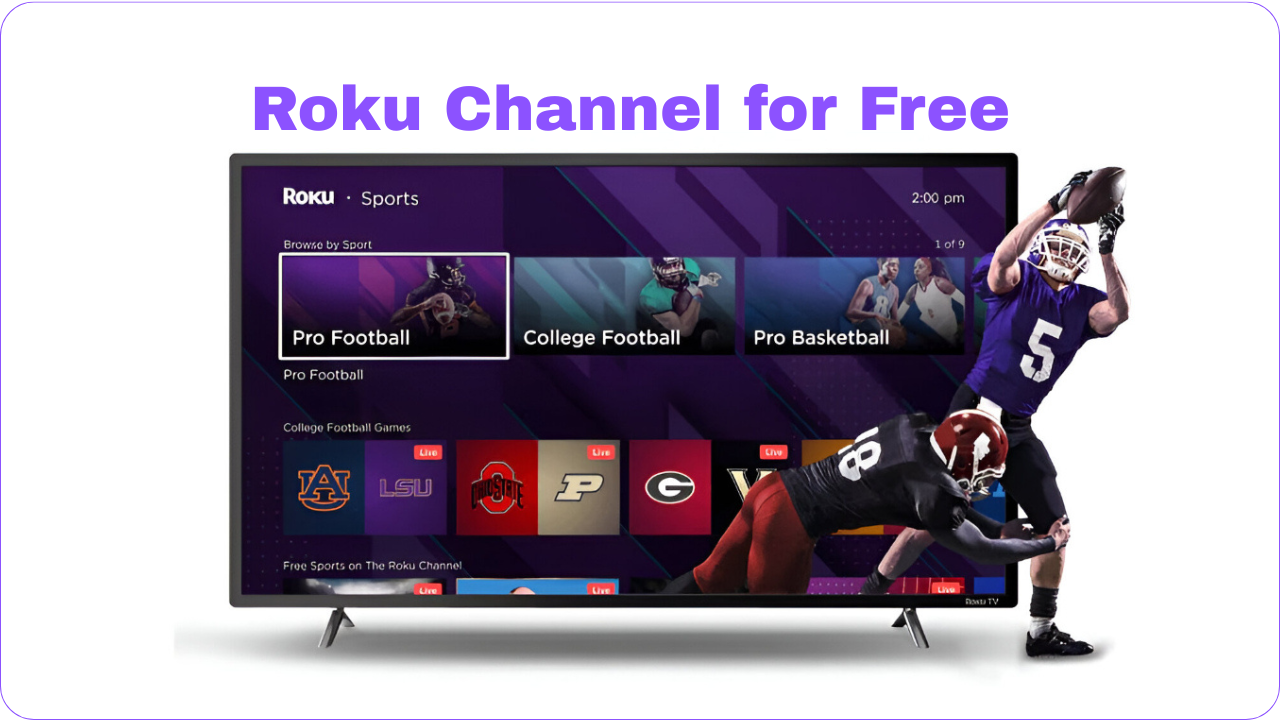
If you want free TV entertainment without paying for another subscription, you’re in luck. The Roku Channel offers hours of movies, shows, and live TV at no cost, and you don’t even need to own a Roku streaming stick or smart TV to enjoy it. With just an internet connection, you can access content on nearly any device.
This guide explains what The Roku Channel is, what you can watch, and how to stream it on different platforms.
What Exactly Is The Roku Channel?
The Roku Channel is Roku’s own free, ad-supported streaming service. While Roku is best known for its hardware, such as sticks, boxes, and Roku-powered TVs, the company has expanded into offering a dedicated streaming platform filled with content.
The highlight is accessibility: you don’t need to buy Roku equipment. From smartphones and laptops to compatible smart TVs, you can start streaming instantly.
What You’ll Find on The Roku Channel
Roku’s library isn’t just random filler. It includes recognizable films, popular TV shows, and even exclusive programs. Here’s what’s available:
1. Free Live TV (FAST Channels)
The Roku Channel has dozens of free ad-supported live channels, often referred to as FAST channels. These mimic traditional TV schedules, where shows and movies play continuously, you can jump in anytime.
2. On-Demand Movies and Shows
There’s also an extensive catalog of on-demand content. Much like Netflix or Hulu, you can pick what you want to watch, though with ad breaks. Genres include:
- Comedy and drama
- Documentaries
- Westerns
- Family-friendly entertainment
3. Roku Originals
Roku produces its own original programming, from movies to short-form series. Highlights include Weird: The Al Yankovic Story with Daniel Radcliffe and The Great American Baking Show. Roku also acquired Quibi’s library, adding series like Die Hart (Kevin Hart) and Most Dangerous Game.
4. Partnered Content
Some premium content from services like Peacock and Paramount+ is available, though these require separate subscriptions. Roku makes sign-ups simple, but you can stick to the free titles if you prefer.
How to Watch Without a Roku Device
The Roku Channel works on several devices beyond Roku hardware:
- Web Browser: Visit therokuchannel.com to stream directly on a laptop or tablet.
- Smart TVs & Streaming Devices: Install the Roku Channel app on Fire TV, Google TV, or Samsung smart TVs.
- Mobile App: Download the Roku app on iOS or Android to stream on the go.
- Apple AirPlay: iPhone and iPad users can cast content to Apple TV via AirPlay.
Is It Worth Watching?
For free, ad-supported streaming, The Roku Channel is hard to beat. While you won’t find the latest blockbusters or prestige series from subscription giants, you’ll get a reliable mix of classics, family shows, and unique originals. The ads can be repetitive, but considering the cost, zero, it’s a fair trade-off.
Final Thoughts
The Roku Channel proves that free streaming doesn’t have to feel limited. With live channels, on-demand movies, and original programming, it’s a flexible platform that works on nearly any device. Whether you’re relaxing with a nostalgic TV show or exploring Roku’s exclusive content, this service offers solid entertainment value, no Roku hardware required.


